
DOMAIN SEARCH
Turn Company Domains into Targeted B2B Contact Lists
Search a known company domain or name, review the account, and find relevant professionals inside it. Access available business emails and mobile numbers only for the contacts you select.

Built for sales teams, agencies, and recruiters






DOMAIN-BASED PROSPECTING
Start with a company. Find the right people inside it.
Use a company domain or name as the starting point, confirm the account, and narrow its professionals using the criteria relevant to your outreach.
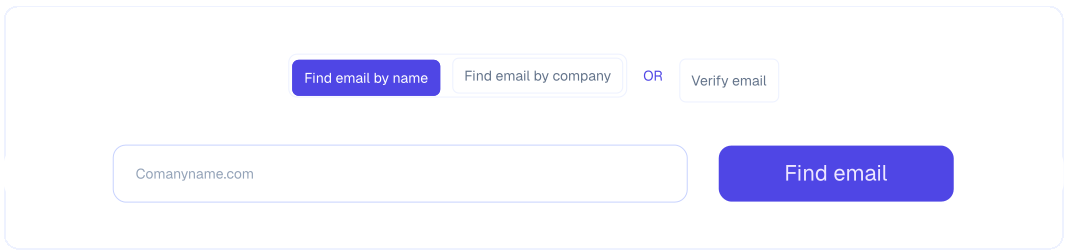
Search by Domain or Company Name
Enter the business you already know to locate the matching company and explore its associated professionals.
- Search by company domain, website, or company name
- Confirm the business using available account details
- Review associated professionals in the same workflow
Refine the Professionals Inside the Account
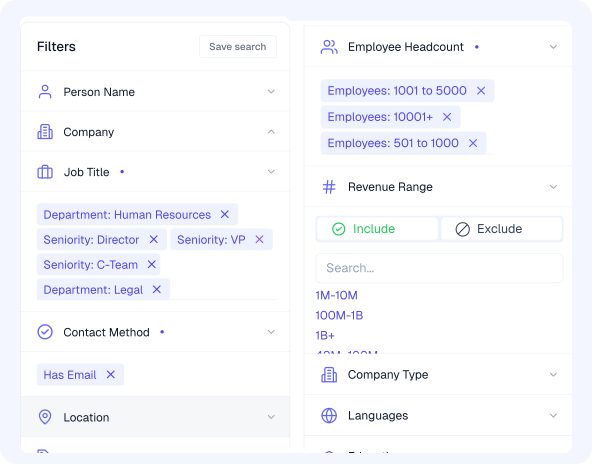
Use available people filters to identify the roles and stakeholders most relevant to your campaign.
- Filter by job title, seniority, and department
- Narrow by location, skills, or other available criteria
- Review professional context before accessing contact data
Build a Focused Contact List
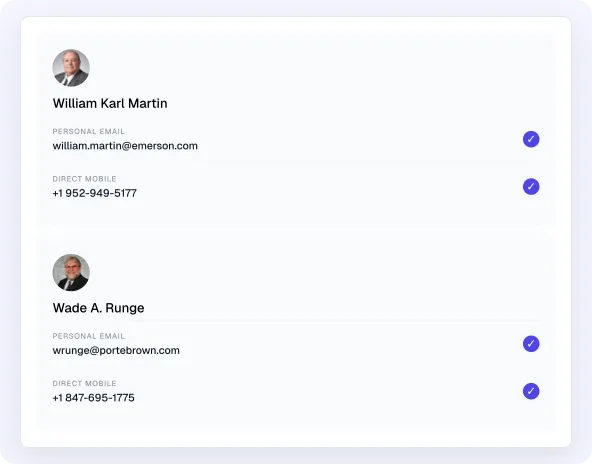
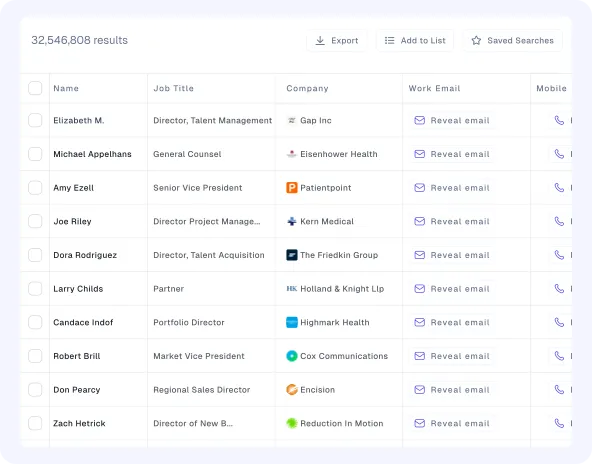
Select the professionals who fit, add available contact details when needed, and prepare eligible records for the next step.
- Save selected company and professional records
- Access available professional emails or mobile numbers
- Export eligible records according to plan limits
LEAD DATA
Evaluate company fit and professional relevance together
Review available account, role, and contact context before deciding which prospects belong in your list.
Contact Information
Available professional email, available business mobile number, and LinkedIn URL.
Learn moreProfessional Identity
Name, location, skills, education, languages, and available employment information.
Learn moreRole and Seniority
Job title, seniority level, department, and current professional function.
Learn moreCurrent Employer
Company name, domain, industry, location, and available company context.
Learn moreCompany Fit
Employee count, revenue, company type, founded year, funding, and other available firmographic fields.
Learn moreTechnology Context
Relevant technologies from 45K+ tracked technology signals, combined with your other targeting criteria.
Learn moreFAQs
Frequently asked questions
Find answers about available features, pricing, and Credit.
What is Leadvaro?
Leadvaro is a company-first B2B prospecting platform that helps teams find target companies, identify relevant professionals, and access available business contact data in one workflow.
Which Leadvaro search tool should I start with?
Start with Company Search when account fit comes first, People Search when you know the role you need, Domain Search when you know the company, and Lead Finder when you want prospects matching a complete ICP.
Does searching in Leadvaro use credits?
No. Searching, filtering, browsing, and reviewing records use 0 credits. An available professional email costs 1 credit, while an available mobile number costs 10 credits.
What information can I use to find and qualify prospects?
Available filters include job title, seniority, department, location, skills, industry, employee count, revenue, technology, funding, traffic, and other professional and company attributes.
How current and accurate is Leadvaro’s data?
Leadvaro reports 98% data accuracy, runs re-verification across data signals 24/7, and refreshes the complete database every seven days. Individual field availability may still vary by record and market.
Can I try Leadvaro without a payment card?
Yes. The free plan includes 100 monthly credits and does not require a payment card. You can search and review records before using credits for available contact data.
START FREE
Start with 100 credits and upgrade when your list volume grows
Create a free account, search your market, and reveal contact data only when you need it. No card required.