
PEOPLE SEARCH
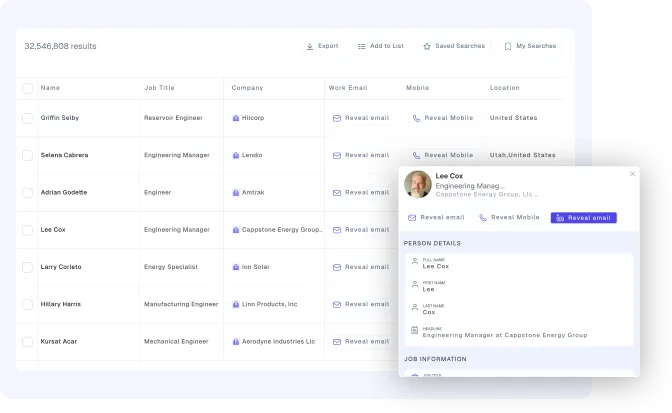
Search 400M+ Professional Profiles to Find the Right People
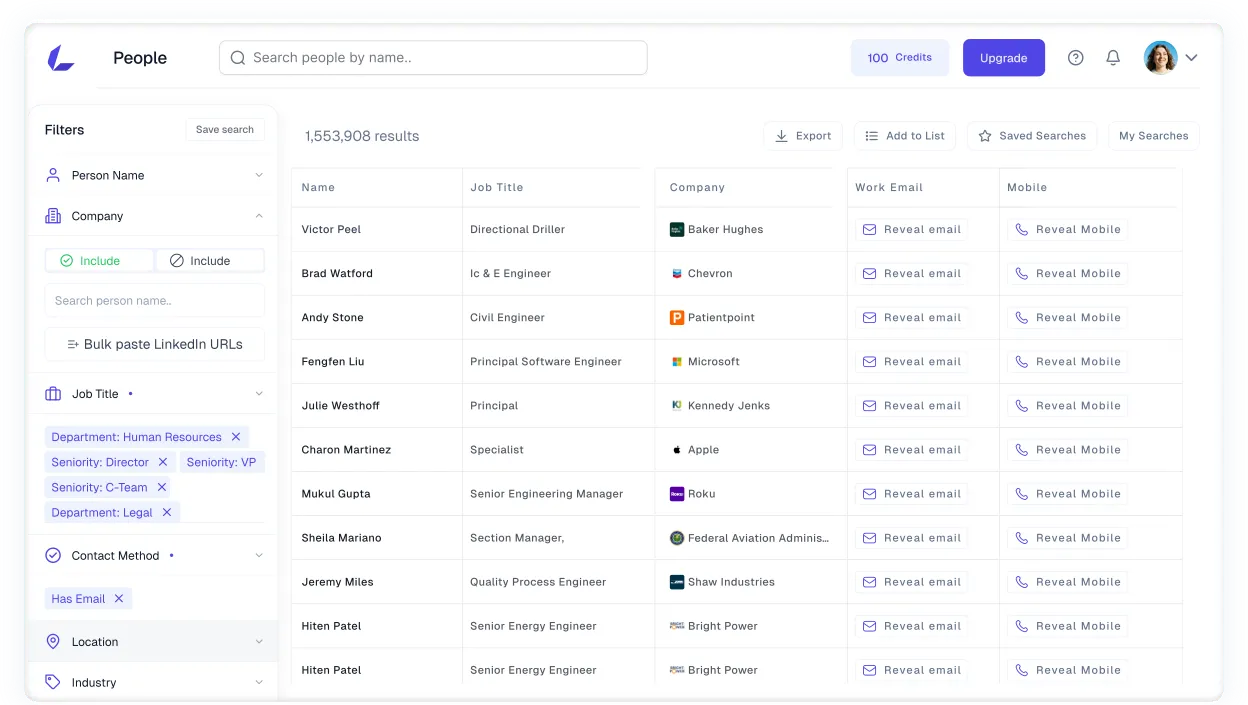
Filter professionals by role, seniority, department, location, skills, company, and technology. Review profiles for free, then access available business emails and mobile numbers only for the people you select.

Built for sales teams, agencies, and recruiters






SMART TARGETING
Reach the right buyers, faster
Target People by Role and Company Fit
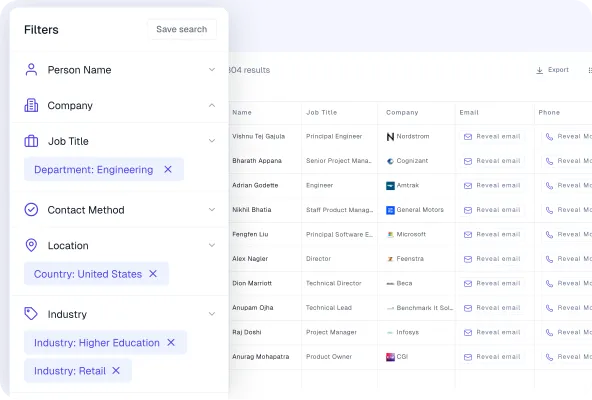
Find professionals who match the role you need, then refine the results using seniority, department, location, industry, and company criteria.
- Target specific roles and seniority levels
- Narrow results by department and location
- Add industry and company filters
- Review matching profiles before using credits
Smart Targeting by Technology Stack
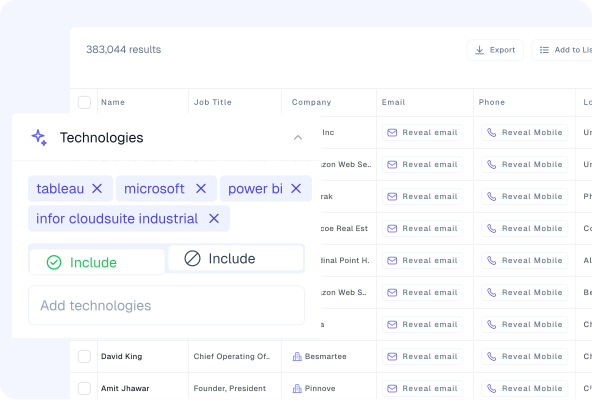
Leverage real-time technology data to identify ideal prospects. Create tailored outreach strategies that resonate with their existing tools and needs.
- Advanced tech stack filtering
- Context-driven personalization
- Higher-quality conversions
- Drive more conversions
Smart Targeting by Technology Stack
Leverage real-time technology data to identify ideal prospects. Create tailored outreach strategies that resonate with their existing tools and needs.
- Advanced tech stack filtering
- Context-driven personalization
- Higher-quality conversions
- Drive more conversions
Smart Targeting by Technology Stack
Leverage real-time technology data to identify ideal prospects. Create tailored outreach strategies that resonate with their existing tools and needs.
- Advanced tech stack filtering
- Context-driven personalization
- Higher-quality conversions
- Drive more conversions
PEOPLE INTELLIGENCE
Find the people who match your buyer profile
Move from a broad professional audience to selected prospects using role, company, contact-availability, and technology criteria.
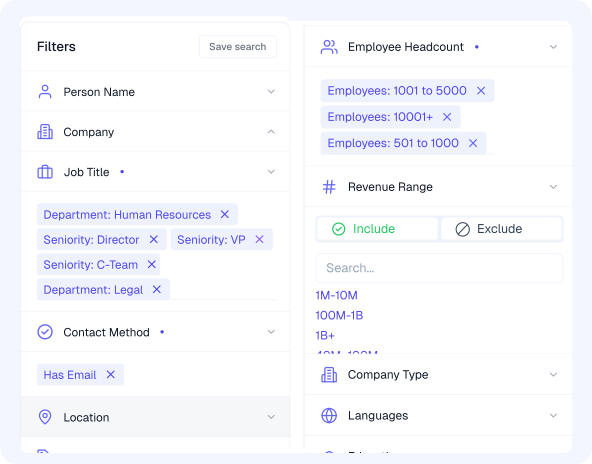
Search with 30+ Filters
Combine available people and company filters to define the professional you need and the type of business they should work for.
- Job title, seniority, and department
- Location, skills, education, and languages
- Industry, employee count, and revenue
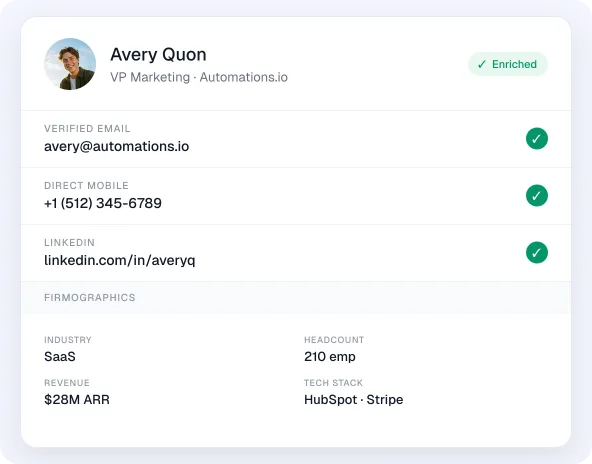
Review Professional and Company Context
See the person’s current role alongside available company details before deciding whether the record belongs in your workflow.
- Current role, department, and seniority
- Employer, industry, and company size
- Location and professional background
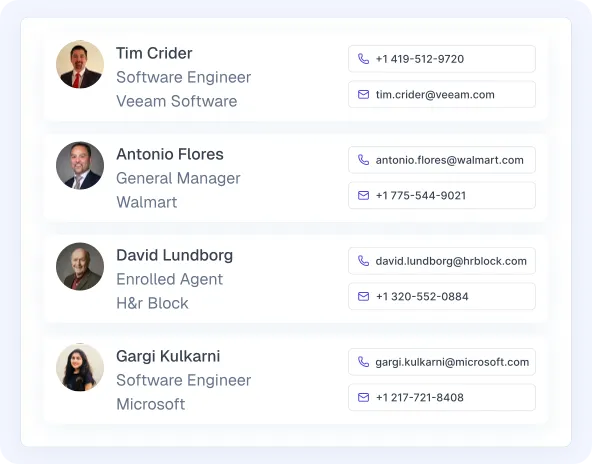
Find Phone Numbers for Selected Prospects
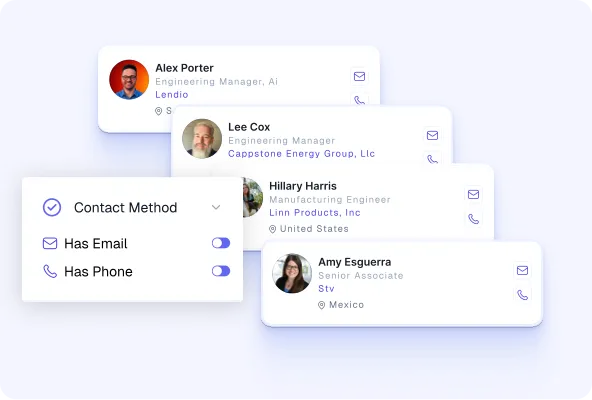
Access an available business mobile number after confirming that the person and company match your targeting criteria.
- Review the professional before using credits
- Check mobile-data availability in the results
- Add selected records to a list or eligible workflow
Data that drives results.
Reach the Right People at the Right Companies
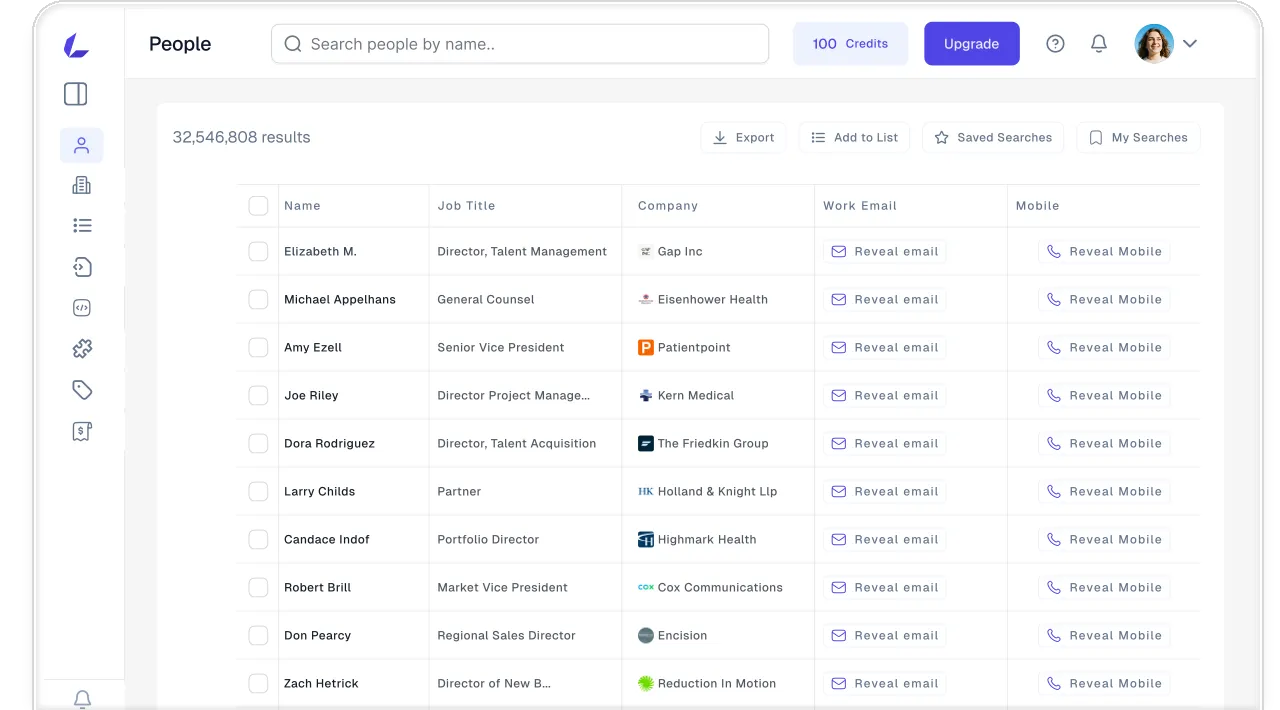
Find verified professionals across various industries. Use filters like job title, seniority, department, company, and location to locate decision-makers.
PROFESSIONAL DATA
Explore 400M+ professional profiles
Search a global professional dataset and use available people, company, and contact context to qualify each result.
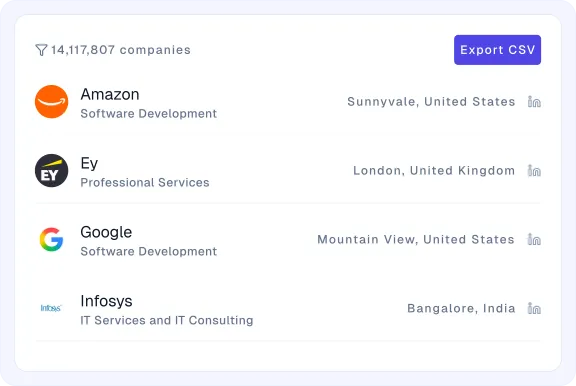
Build Role-Based Prospect Lists
Create focused lists around job title, department, seniority, skills, location, and current employer.
Understand Audience Coverage
Compare result availability across roles, locations, industries, companies, and other selected criteria.
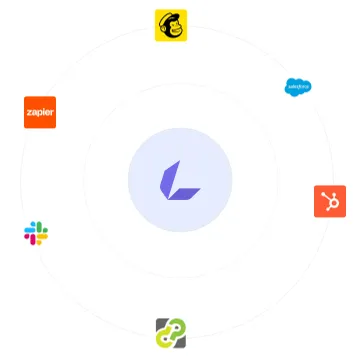
Continue in Your Existing Workflow
Export eligible records or move selected data through HubSpot, Salesforce, Zapier, Mailchimp, or supported API access.

Connect with the Right Buying Team
Identify multiple relevant stakeholders at the same company instead of depending on a single contact.
PEOPLE SEARCH WORKFLOW
Find the Right Prospects, Faster
Search, qualify, organize, and move selected professional records forward without piecing together several separate research tools.
Search by Name
Start with the role, seniority, department, location, skills, or experience your ideal prospect should have.
Learn more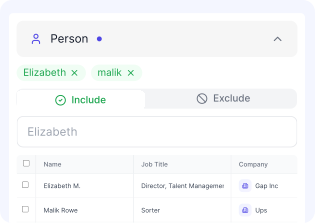
Add Company Context
Refine results using industry, employee count, revenue, company location, technology, funding, domain, or company type.
Learn more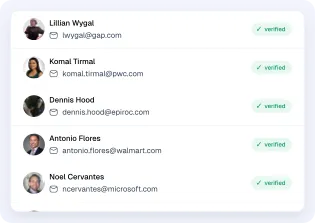
Review Before Using Credits
Check the person, current role, employer, and available context before accessing professional email or mobile data.
Learn more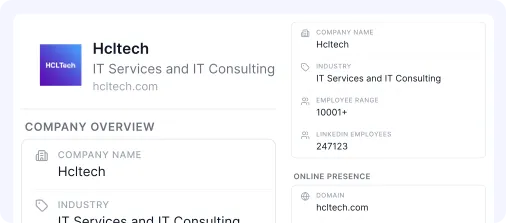
Find Multiple Stakeholders
Identify users, managers, budget owners, and executives who may be involved in the same buying decision.
Learn more
Build Focused Lists
Organize selected professionals by campaign, territory, account, client, role, or sourcing requirement.
Learn more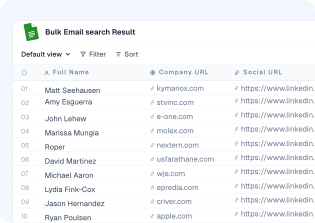
Export or Connect Records
Export eligible records or move selected data into a supported CRM, automation, marketing, or API workflow.
Learn more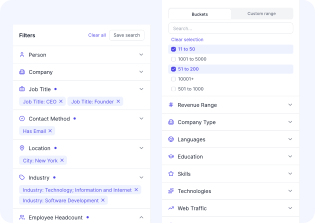
CUSTOMER STORIES
See how teams use People Search
Bounces dropped below 2%. I don't think twice about data quality anymore — I just search, export, and ship. The team is happy with the new workflow. With Leadvaro,


Bounces dropped below 2%. I don't think twice about data quality anymore — I just search, export, and ship. The team is happy with the new workflow. With Leadvaro,

Bounces dropped below 2%. I don't think twice about data quality anymore — I just search, export, and ship. The team is happy with the new workflow. With Leadvaro,

Bounces dropped below 2%. I don't think twice about data quality anymore — I just search, export, and ship. The team is happy with the new workflow. With Leadvaro,
Bounces dropped below 2%. I don't think twice about data quality anymore — I just search, export, and ship. The team is happy with the new workflow. With Leadvaro,

Bounces dropped below 2%. I don't think twice about data quality anymore — I just search, export, and ship. The team is happy with the new workflow. With Leadvaro,

Bounces dropped below 2%. I don't think twice about data quality anymore — I just search, export, and ship. The team is happy with the new workflow. With Leadvaro,



FAQs
Frequently asked questions
Find answers about available features, pricing, and Credit.
What is Leadvaro?
Leadvaro is a company-first B2B prospecting platform that helps teams find target companies, identify relevant professionals, and access available business contact data in one workflow.
Which Leadvaro search tool should I start with?
Start with Company Search when account fit comes first, People Search when you know the role you need, Domain Search when you know the company, and Lead Finder when you want prospects matching a complete ICP.
Does searching in Leadvaro use credits?
No. Searching, filtering, browsing, and reviewing records use 0 credits. An available professional email costs 1 credit, while an available mobile number costs 10 credits.
What information can I use to find and qualify prospects?
Available filters include job title, seniority, department, location, skills, industry, employee count, revenue, technology, funding, traffic, and other professional and company attributes.
How current and accurate is Leadvaro’s data?
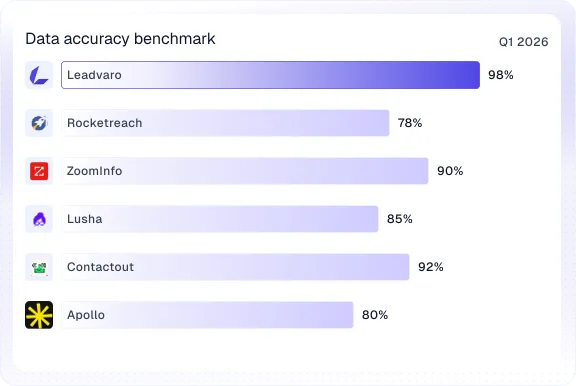
Leadvaro reports 98% data accuracy, runs re-verification across data signals 24/7, and refreshes the complete database every seven days. Individual field availability may still vary by record and market.
Can I try Leadvaro without a payment card?
Yes. The free plan includes 100 monthly credits and does not require a payment card. You can search and review records before using credits for available contact data.
START FREE
Start with 100 credits and upgrade when your list volume grows
Create a free account, search your market, and reveal contact data only when you need it. No card required.